Introduction
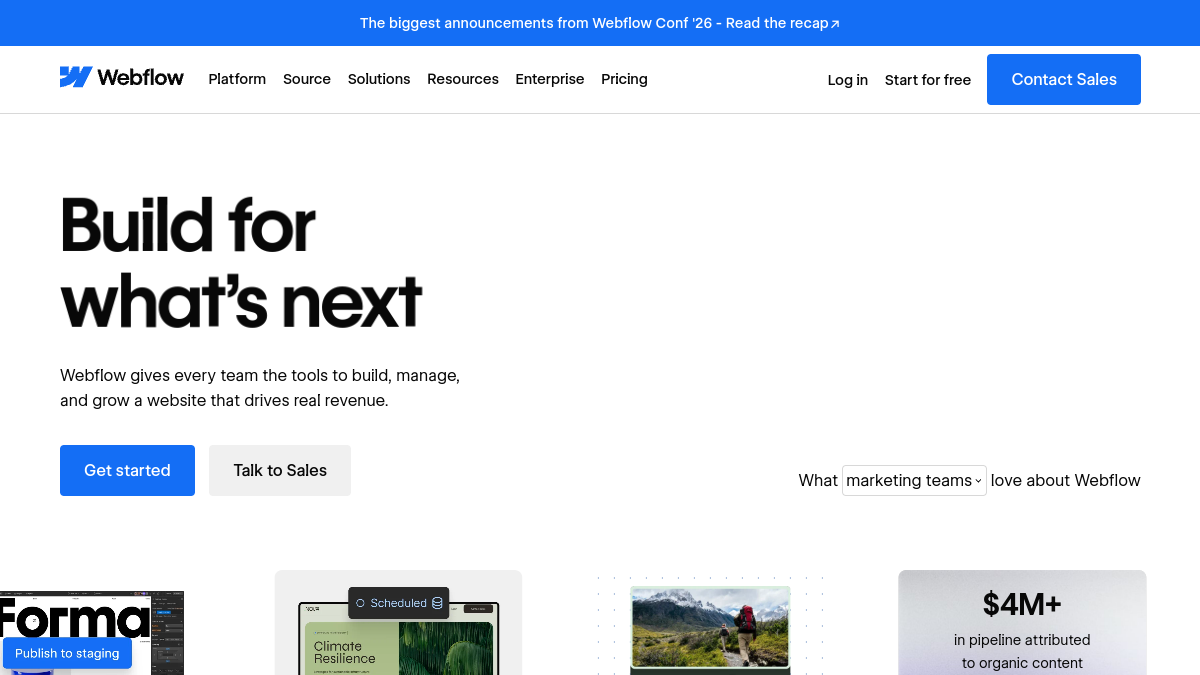
Webflow is a visual development platform that enables teams to design, build, and launch production-ready websites. It combines a visual canvas with content management, hosting, and collaboration tools, allowing marketers, designers, and developers to work together without writing code. According to its website, Webflow is used by over 300,000 brands and offers features such as CMS, ecommerce, AI-powered optimization, and enterprise-grade hosting.
What is Webflow?
Webflow is a platform for building and managing websites visually. It provides a visual canvas for designing layouts, a CMS for dynamic content, and hosting infrastructure. It also includes tools for collaboration, SEO, and AI-driven search optimization (AEO). Webflow positions itself as an "agentic web platform" that supports both visual and code-based development.
What makes Webflow stand out?
- Visual development: Design and build websites without writing code, using a drag-and-drop canvas.
- Integrated CMS: Manage dynamic content and publish without developer involvement.
- Collaboration: Shared workspaces, page branching, and shared libraries for team workflows.
- AI capabilities: Webflow AI assists with content generation, code components, and optimization.
- Hosting and security: Enterprise-grade hosting with global DDoS protection and compliance (SOC 2 Type II, CCPA, GDPR).
- Extensibility: Supports custom code, React components, and integrations via MCP and DevLink.
- Optimization tools: Native analytics, A/B testing, and personalization for conversion and AI visibility.
Who is it for?
- Marketing teams: Build and launch pages without engineering tickets.
- Design teams: Create pixel-perfect, on-brand experiences.
- Engineering teams: Extend sites with code and integrate with existing stacks.
- Agencies and freelancers: Deliver client sites efficiently and manage billing.
- Enterprises: Scale with governance, security, and collaboration features.
What can you do with Webflow?
- Build responsive websites visually.
- Manage blog posts, products, and other CMS content.
- Run A/B tests and personalize visitor experiences.
- Optimize for SEO and AI-driven search (AEO).
- Collaborate with team members using branching and shared libraries.
- Deploy full-stack web apps with Webflow Cloud.
- Create rich interactions and animations with GSAP.
- Hand off sites to clients with client billing.
How does Webflow work?
Webflow provides a visual canvas where users design layouts, style elements, and define interactions. Content is managed through a built-in CMS, and sites are hosted on Webflow's infrastructure. Teams can collaborate in shared workspaces, use branching for safe edits, and extend functionality with custom code or AI-generated components. Webflow also offers tools for optimization, analytics, and AI search visibility.
Pricing
Webflow offers both free and paid plans. The website mentions "Get started — it's free" and "Free & Paid" price label. For detailed pricing, visit the Webflow pricing page.
Alternatives
Alternatives to Webflow include Contentful, Framer, Sitecore, Wix, and WordPress, as listed on Webflow's compare page.
FAQ
Is Webflow free to use?
Webflow offers a free plan to get started, as well as paid plans for additional features and scale.
Do I need to know how to code to use Webflow?
No, Webflow is designed for visual development, but it also supports custom code for advanced customization.
Can I use Webflow for ecommerce?
Yes, Webflow includes ecommerce features as part of its platform.
Is Webflow suitable for enterprise use?
Yes, Webflow offers enterprise-grade hosting, security, and collaboration features, and is used by large organizations.