Introduction
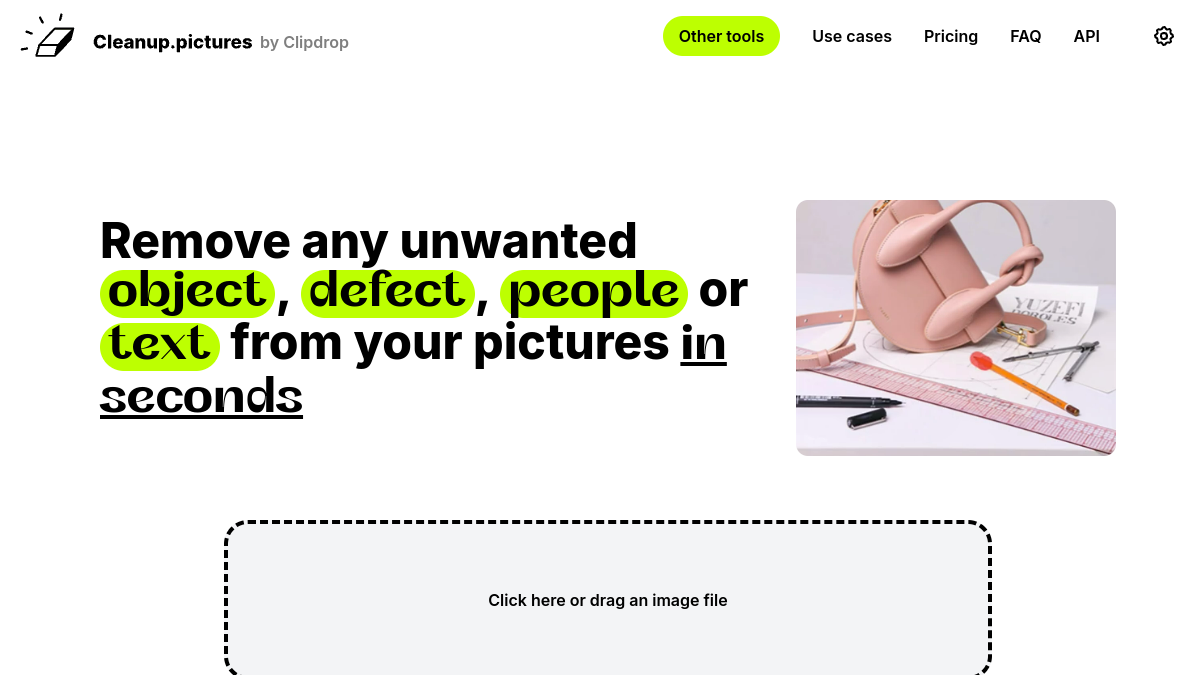
Cleanup.pictures is a web application that uses AI to remove unwanted objects, people, text, and defects from images. It is listed as a Design / Graphics tool and offers free and paid plans.
What is Cleanup.pictures?
Cleanup.pictures is an AI-based photo editing tool that specializes in inpainting—removing unwanted elements from photos. It allows users to remove objects, people, text, logos, watermarks, and defects from any picture. The tool is accessible via a web interface and also offers an API for developers.
What makes Cleanup.pictures stand out?
Cleanup.pictures uses artificial intelligence to reconstruct backgrounds behind removed objects, unlike traditional clone stamp tools that require a background reference. It provides high-quality results in seconds and is praised for its ease of use and effectiveness. The tool is free for basic use, with a Pro version for higher resolution and additional features.
Who is it for?
Cleanup.pictures is designed for photographers, creative agencies, real estate agents, e-commerce businesses, and developers. Photographers use it to remove timestamps, tourists, or cracks; creatives use it to remix photos; real estate agents use it to depersonalize images; e-commerce businesses use it to create clean product shots; and developers can integrate the API into their products.
What can you do with Cleanup.pictures?
With Cleanup.pictures, you can remove unwanted objects, people, text, logos, watermarks, and defects from photos. You can also remove blemishes or wrinkles, and clean up images for various purposes. The tool supports editing images of any size, though free exports are limited to 720p resolution.
How does Cleanup.pictures work?
Cleanup.pictures uses AI inpainting technology. Users upload an image, brush over the unwanted elements, and the AI reconstructs the background. The process is quick and requires no complex software. The tool is available as a web app and via API.
Pricing
Cleanup.pictures offers a free plan with unlimited images but resolution limited to 720p. The Pro plan starts at $3 per month (billed annually at $36) or $5 per month, offering unlimited resolution and a high-quality refiner. There is also an API with usage-based pricing. A free trial allows testing HD quality.
Alternatives
Alternatives to Cleanup.pictures include ClipDrop, which offers background removal, background replacement, uncrop, and generative fill tools. Other inpainting tools like Adobe Photoshop's clone stamp may also be considered, though Cleanup.pictures claims better AI-based results.
FAQ
What is inpainting?
Inpainting is a retouch technology used to remove unwanted objects from photos. It uses AI to reconstruct the background behind the removed object.
Why is Cleanup.pictures better than other inpainting apps?
Cleanup.pictures uses advanced AI that can guess what was behind the unwanted element without needing a background reference, unlike traditional clone stamp tools.
What image resolutions can Cleanup.pictures handle?
You can import and edit images of any size. Free exports are limited to 720p, while Pro offers unlimited resolution.