Introduction
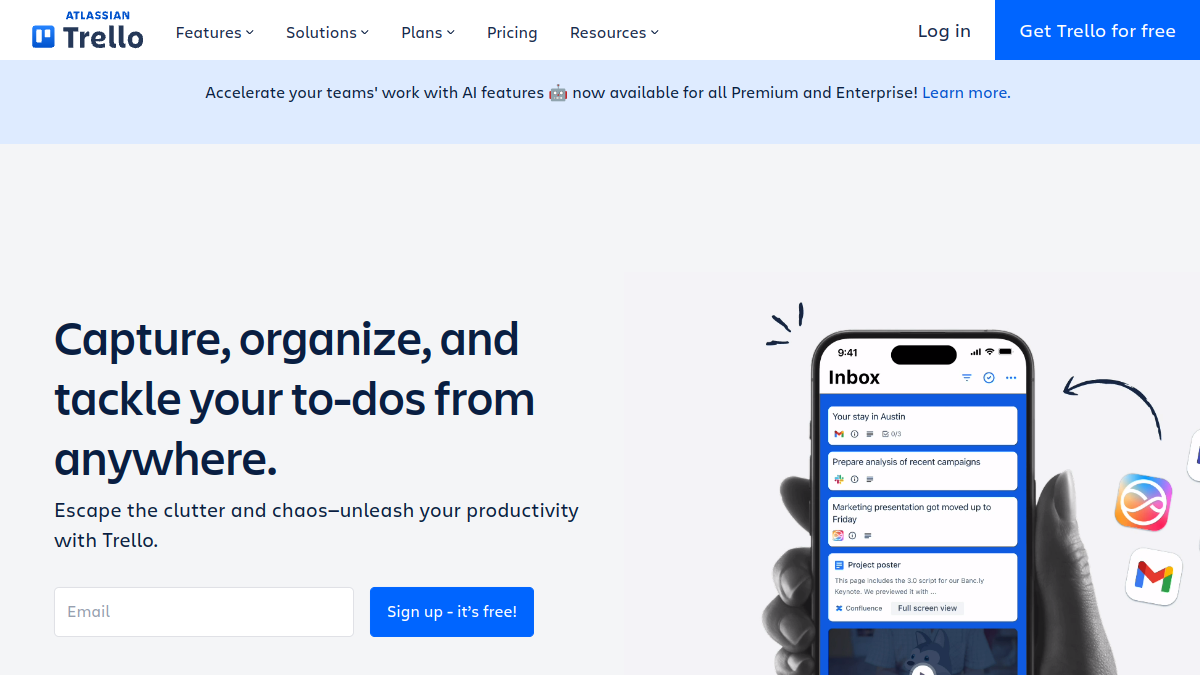
Trello is a visual project management tool that helps teams organize projects, tasks, and workflows using boards, lists, and cards. It is designed to be simple and flexible, allowing users to capture, organize, and tackle to-dos from anywhere, including mobile devices. Trello is suitable for various teams, from marketing and product management to engineering and design, and offers features like Inbox, Planner, Automation, Power-Ups, Templates, and Integrations to enhance productivity and collaboration.
What is Trello?
Trello is a SaaS project management application that uses boards, lists, and cards to help teams manage projects and tasks visually. It allows users to sign up, create a board, and start organizing work immediately. Trello includes features such as Inbox for capturing details from emails and Slack, Planner for syncing calendars and allocating focused time, Automation for automating tasks and workflows, Power-Ups for linking tools, Templates for pre-built playbooks, and Integrations for connecting with other apps. It also offers an MCP server to connect Trello to AI tools.
What makes Trello stand out?
- Visual boards for organizing projects and tasks
- Simple setup: sign up, create a board, and start working
- Inbox captures details from emails, Slack, and more
- Planner syncs calendars and allocates focused time slots
- Automation automates tasks and workflows
- Power-Ups link teams' favorite tools
- Templates provide blueprints from industry leaders and the community
- Integrations connect with existing apps
- MCP server connects Trello to any AI tool
- Available on mobile for on-the-go access
Who is it for?
- Marketing teams launching products, campaigns, or creating content
- Product management teams simplifying complex projects and processes
- Engineering teams aiming to ship code faster and be more agile
- Design teams streamlining creative requests and cross-team collaboration
- Startups managing workflows and hitting revenue goals
- Remote teams staying connected and motivated
- Individuals or small teams keeping work organized
- Teams of 2 to 2,000 with flexible pricing
What can you do with Trello?
- Track progress of tasks in a visual layout
- Create a resource hub for teams to find information quickly
- Keep projects organized, deadlines on track, and teammates aligned
- Capture to-dos from emails, Slack, and more into Inbox
- Sync calendars and allocate focused time with Planner
- Automate tasks and workflows
- Link favorite tools with Power-Ups
- Use templates for common workflows
- Connect with other apps via Integrations
- Connect Trello to AI tools with MCP server
How does Trello work?
Trello works by allowing users to create boards that contain lists, which hold cards representing tasks or items. Users can drag and drop cards between lists to track progress. The platform includes Inbox for capturing details from various sources, Planner for calendar syncing and time allocation, Automation for reducing manual work, Power-Ups for extending functionality, Templates for quick setup, and Integrations for connecting with other tools. Trello is accessible via desktop and mobile apps.
Pricing
Trello offers a Free plan for individuals or small teams looking to keep work organized. Paid plans include Standard for teams that need to manage more work and scale collaboration, Premium for teams up to 100 that need to track multiple projects and visualize work in various ways, and Enterprise for enterprise teams and admins. The pricing model is flexible, so you only pay for what you need.
Alternatives
No alternatives are listed in the source text.
FAQ
Is Trello free to use?
Yes, Trello offers a Free plan for individuals or small teams.
What are Trello's paid plans?
Trello offers Standard, Premium, and Enterprise plans.