Introduction
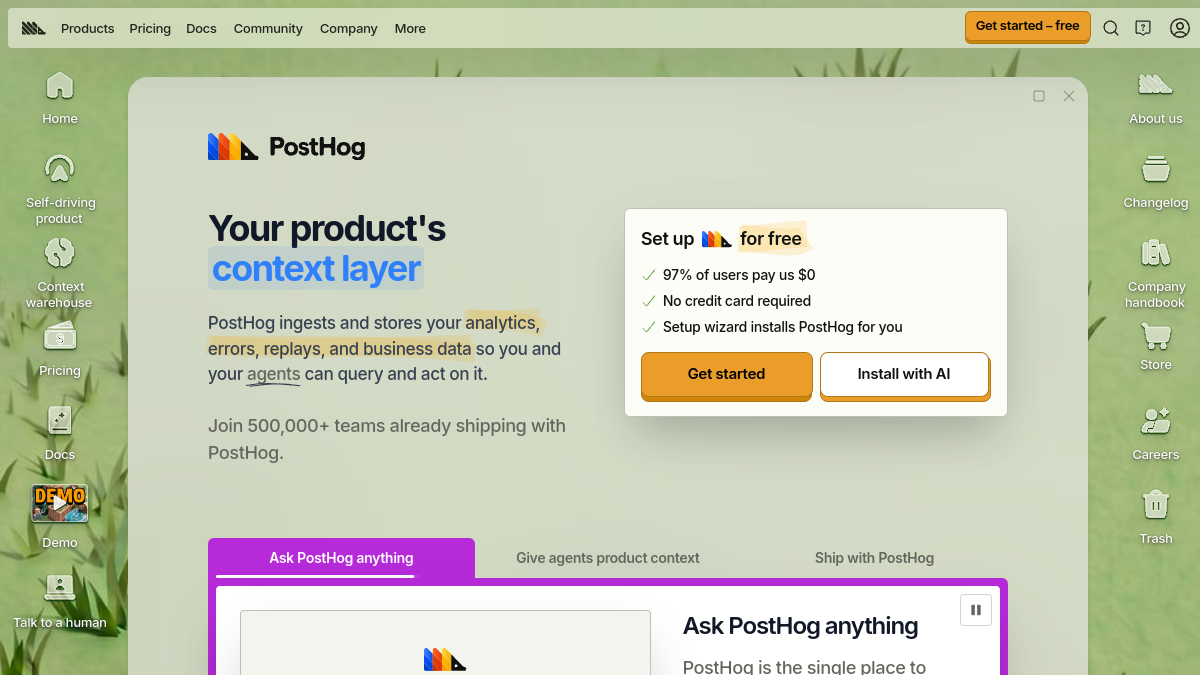
PostHog is a product operating system that combines analytics, feature flags, experiments, and session replay. It ingests and stores analytics, errors, replays, and business data so you and your agents can query and act on it. According to the source, over 500,000 teams use PostHog, and 97% of users pay $0. It offers a free tier and usage-based paid products.
What is PostHog?
PostHog is described as a "context layer" for your product. It provides a suite of tools including Product Analytics, Session Replay, Error Tracking, Web Analytics, Feature Flags, Experiments, Surveys, Warehouse, CDP, Workflows, Logs, AI Observability, Endpoints, Inbox, Tracing, Heatmaps, Replay Vision, No-code A/B Testing, and more. These tools flow into your agents, allowing you to query product data from your editor and launch new features without switching to a browser. PostHog also includes a context warehouse that ships with a data warehouse, 120+ sources/destinations, SQL editor, BI, data visualization, user activity feed (CDP-lite), API, and webhooks.
What makes PostHog stand out?
- All-in-one platform: Combines multiple product tools in a single place, reducing the need for separate solutions.
- Context warehouse: Built-in data warehouse with 120+ sources/destinations, SQL editor, BI, and data visualization.
- Agent integration: Provides product context to AI agents, enabling them to diagnose problems, fix bugs, and generate pull requests.
- Generous free tiers: All paid products are pay-per-use with monthly free tiers; 97% of users pay $0.
- Transparency: Company handbook, sales manual, and strategy are publicly available.
- Technical support: Support staff have engineering backgrounds.
- Fast shipping: Frequent updates via changelog.
Who is it for?
- Product teams looking to understand user behavior and improve their product.
- Developers who want to integrate analytics, feature flags, and experiments into their workflow.
- Data teams needing a warehouse with SQL and BI capabilities.
- Companies seeking an open-source, self-hostable or cloud-based solution.
- Teams that want to leverage AI agents for product insights and automation.
What can you do with PostHog?
- Analyze product usage with Product Analytics.
- Watch Session Replays to understand user interactions.
- Track errors and exceptions with Error Tracking.
- Monitor web traffic with Web Analytics.
- Roll out features gradually with Feature Flags.
- Run A/B tests and experiments.
- Collect user feedback with Surveys.
- Combine data from 120+ sources in the Warehouse.
- Send data to other tools with CDP.
- Automate workflows with Workflows.
- Query logs and traces for observability.
- Use AI Observability to monitor AI models.
- Create endpoints and manage inbox findings.
- Generate heatmaps and use Replay Vision.
- Run no-code A/B tests.
How does PostHog work?
PostHog ingests and stores your analytics, errors, replays, and business data. It stitches together data from various tools on-the-fly to answer questions. You can pipe in third-party data from 900+ sources for a more complete picture. PostHog provides SDKs for setup, and a setup wizard can install it for you. You can also install the PostHog MCP to query product data from your editor. The Inbox clusters related findings into researched reports, ranked by priority, and proposes improvements and pull requests.
Pricing
PostHog offers usage-based pricing with generous monthly free tiers. All paid products are pay-per-use. Examples:
- Product Analytics: Free tier 1 million events/mo; $0.00005/event.
- Session Replay: Free tier 5,000 recordings/mo; $0.005/recording.
- Feature Flags: Free tier 1 million requests/mo; $0.0001/request.
- Warehouse: Free tier 1 million rows/mo; $0.000015/row.