Introduction
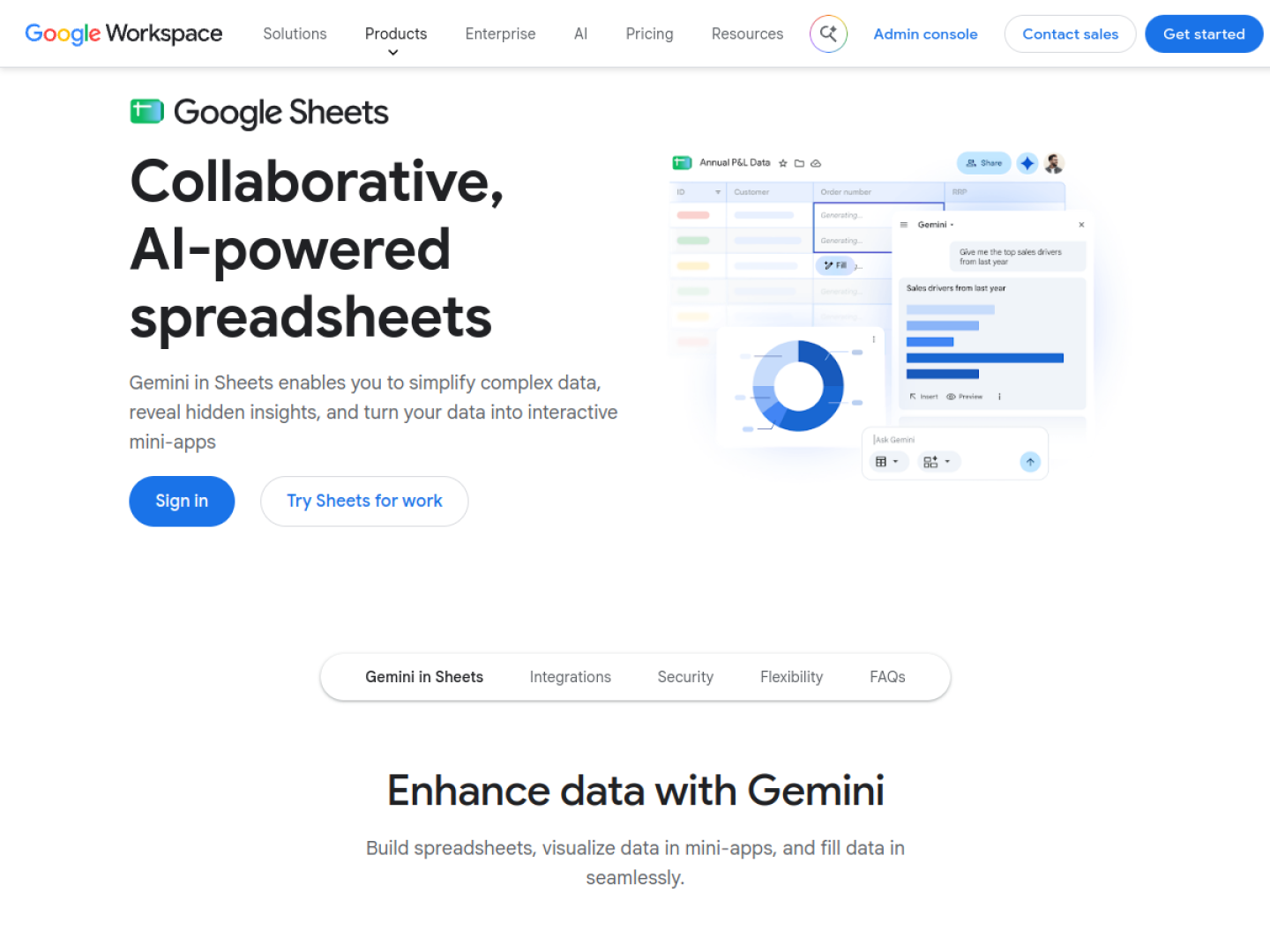
Google Sheets is a web-based spreadsheet application that allows users to create, edit, and collaborate on spreadsheets online. It is part of Google's productivity suite and is accessible via a web browser or mobile app. Users can sign in with a personal Google account or a Google Workspace account for business use.
What is Google Sheets?
Google Sheets is a cloud-based spreadsheet tool that enables real-time collaboration and data analysis. It supports various file formats and provides a range of features for organizing and manipulating data. As a web-based application, it eliminates the need for local installation and allows access from any device with an internet connection.
What makes Google Sheets stand out?
- Real-time collaboration: Multiple users can edit the same spreadsheet simultaneously.
- Accessibility: Available on any device with a web browser and internet connection.
- Integration with Google Workspace: Seamlessly works with other Google apps like Docs and Drive.
- Free for personal use: No cost for individual users with a Google account.
- Business use: Available through Google Workspace for organizations.
Who is it for?
- Individuals needing a free spreadsheet solution.
- Teams requiring collaborative data editing.
- Businesses using Google Workspace for productivity.
- Students and educators for academic projects.
- Anyone needing to analyze or visualize data online.
What can you do with Google Sheets?
- Create and format spreadsheets.
- Collaborate with others in real time.
- Perform calculations and data analysis.
- Create charts and graphs.
- Store and organize data in the cloud.
- Access spreadsheets from any device.
How does Google Sheets work?
Google Sheets operates entirely in the cloud. Users sign in with a Google account, and spreadsheets are saved automatically to Google Drive. Collaboration features allow multiple users to view or edit a spreadsheet simultaneously, with changes reflected in real time. It supports importing and exporting various file formats, such as .xlsx, .csv, and .ods.
Pricing
Google Sheets is available for free with a personal Google account. For business use, it is included in Google Workspace subscriptions, which offer additional features and administrative controls. The price label is Free & Paid.
Alternatives
Other spreadsheet applications include Microsoft Excel, Apple Numbers, and LibreOffice Calc. These alternatives may offer different features, pricing models, and platform compatibility.
FAQ
Is Google Sheets free?
Yes, Google Sheets is free for personal use with a Google account. Business use requires a Google Workspace subscription.
Can I use Google Sheets offline?
Yes, Google Sheets can be used offline with the Google Drive app or Chrome browser, with changes synced when you reconnect.
How do I share a Google Sheet?
You can share a Google Sheet by clicking the Share button and entering email addresses or generating a shareable link with specific permissions.
Does Google Sheets support formulas and functions?
Yes, Google Sheets supports a wide range of formulas and functions for calculations, data manipulation, and analysis.
Can I import Excel files into Google Sheets?
Yes, Google Sheets can import and export Microsoft Excel files (.xlsx) and other formats like .csv and .ods.