Introduction
Figma is a collaborative platform for design, prototyping, and product development. It brings design, code, and AI together in one canvas, enabling teams to go from concept to production. Figma offers a range of products including Figma Design, Figma Make, Figma Weave, Dev Mode, Figma Motion, FigJam, Figma Slides, Figma Draw, Figma Sites (Beta), and Figma Buzz (Beta). It is used by teams of all sizes, with 95% of the Fortune 500 using Figma as of March 2025.
What is Figma?
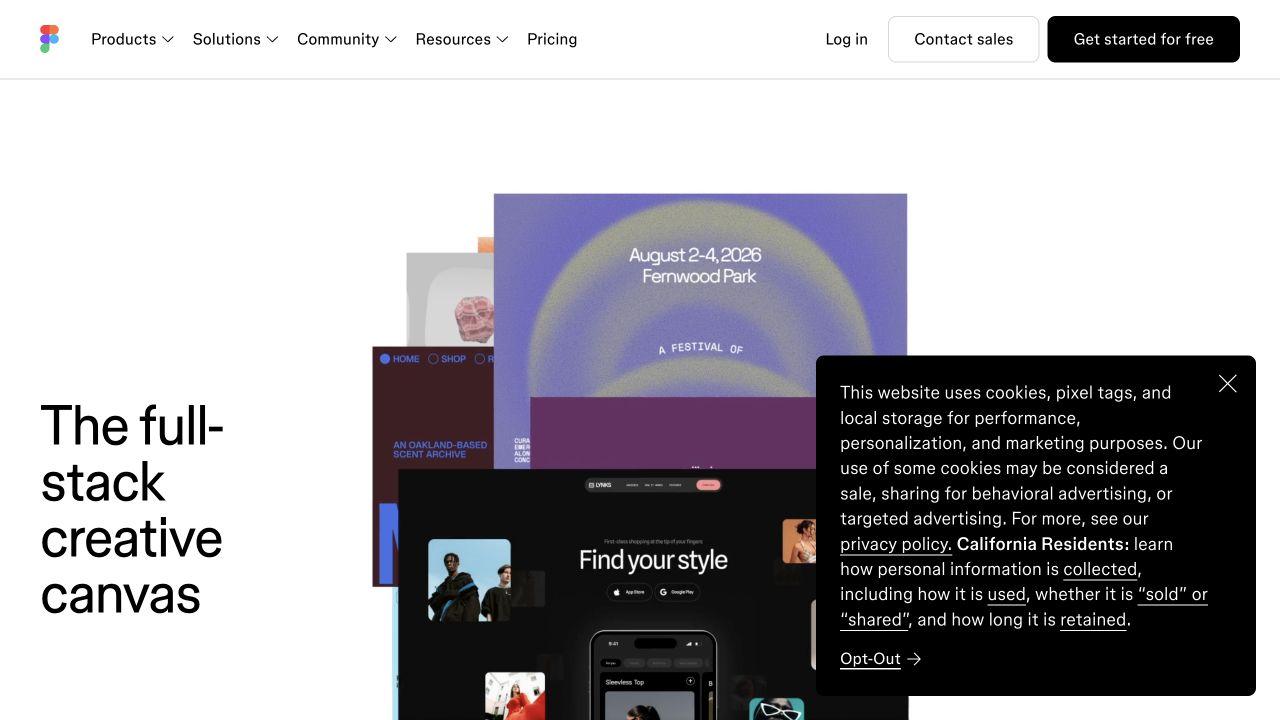
Figma is a collaborative canvas where design, code, and AI come together. It allows teams to design and prototype in one place, build and ship products, and collaborate in real-time. Figma supports the entire product development process, from first idea to shipped product, with tools for design, prototyping, development, whiteboarding, presentations, and more.
What makes Figma stand out?
- Collaborative canvas: Teammates and AI agents work in the same space with shared context.
- AI-native: Figma's agent can add motion to designs, document design systems, implement feedback, and more.
- End-to-end product development: One workspace for the entire process, from WIP to ship.
- Design and build tools: Powerfully expressive and incredibly precise tools for design and development.
- Context continuity: Your context, codebase, and agents stay connected so what you design is what gets shipped.
- Wide adoption: 95% of the Fortune 500 uses Figma (based on data from March 2025).
Who is it for?
- Designers
- Engineers
- Product managers
- Organizations of all sizes, including enterprise, education, and government
- Community groups and events
What can you do with Figma?
- Design and prototype in one place
- Prompt to code anything you can imagine with Figma Make
- Create AI workflows for imagery, video, audio, and more with Figma Weave
- Translate designs into code with Dev Mode
- Animate your designs with Figma Motion
- Collaborate with a digital whiteboard using FigJam
- Co-create presentations with Figma Slides
- Illustrate with advanced vector tools using Figma Draw
- Publish fully responsive websites with Figma Sites (Beta)
- Produce on-brand assets at scale with Figma Buzz (Beta)
- Use AI workflows, plugins, UI kits, icons, widgets, and templates
- Access resources like best practices, reports, insights, demos, webinars, and help center
How does Figma work?
Figma provides a collaborative canvas where design, code, and AI come together. Teammates and AI agents work in the same space with shared context. You can generate new ideas, refine, and align together. Figma's agent can assist with tasks like adding motion to designs, documenting design systems, and implementing feedback. The platform includes a range of products for different stages of product development, from design and prototyping to development and handoff. Your context, codebase, and agents stay connected so what you design is what gets shipped.
Pricing
Figma offers both free and paid plans. The pricing page lists plans including Enterprise, Organization, and Professional. For detailed pricing information, visit the Figma pricing page.
Alternatives
No alternatives are listed in the source text.
FAQ
What is Figma?
Figma is a collaborative canvas for design, code, and AI. It is a platform for design, prototyping, and product development.
What products does Figma offer?
Figma offers Figma Design, Figma Make, Figma Weave, Dev Mode, Figma Motion, FigJam, Figma Slides, Figma Draw, Figma Sites (Beta), and Figma Buzz (Beta).
Is Figma free?
Figma offers both free and paid plans. You can get started for free.
Who uses Figma?
Figma is used by designers, engineers, product managers, and organizations. 95% of the Fortune 500 uses Figma (based on data from March 2025).