Introduction
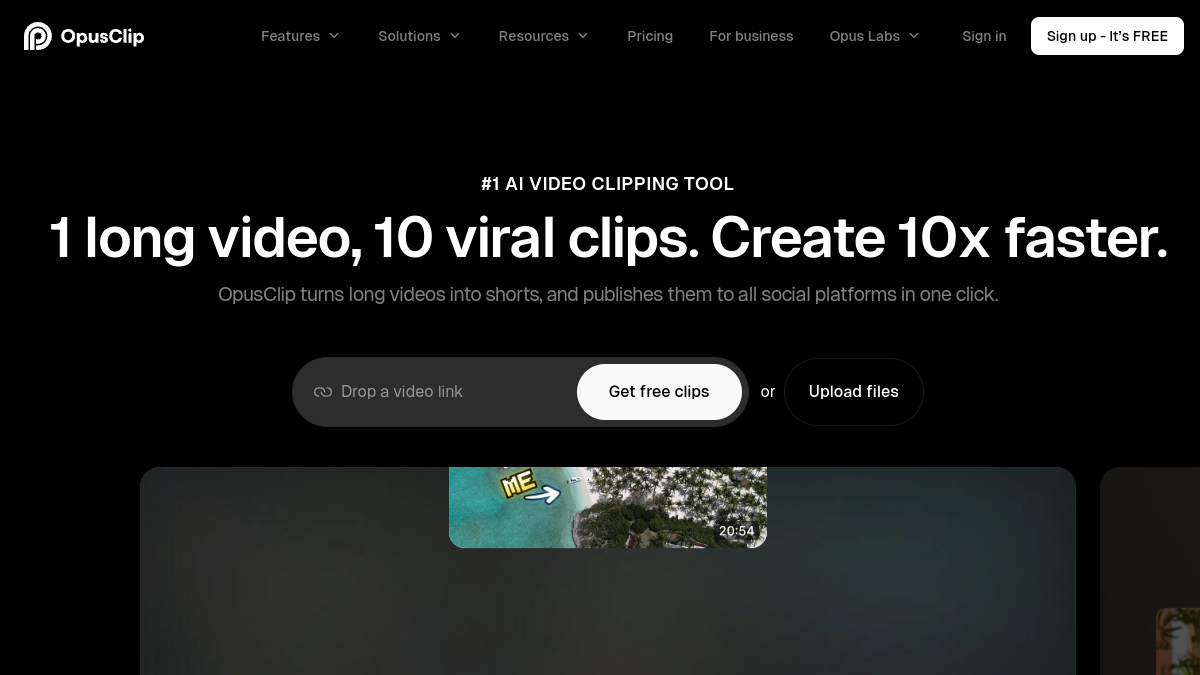
Opus Clip is an AI-powered video clipping and editing tool designed to transform long videos into short, engaging clips for social media. It is listed as an AI / Video tool and is used by over 20 million creators and businesses.
What is Opus Clip?
Opus Clip is a web-based application that uses artificial intelligence to analyze long-form video content and automatically generate short, viral-ready clips. It supports a wide range of video types and languages, and offers features such as AI clipping, captioning, reframing, B-roll, audio enhancement, and voice-over. The tool also includes a social scheduler, brand templates, team workspace, and API for workflow automation.
What makes Opus Clip stand out?
Opus Clip distinguishes itself with its ClipAnything model, which can clip any video genre—not just podcasts—including vlogs, gaming, sports, interviews, and explainer videos. Its ReframeAnything model resizes videos for any platform while keeping moving subjects centered using AI object tracking. The tool also offers an AI editor, thumbnail generator, speech enhancement, and video dubbing. It is trusted by millions of creators and businesses, and provides a free plan with limited processing time.
Who is it for?
Opus Clip is designed for a wide range of users, including content creators, media and entertainment companies, marketers, podcasters, agencies, livestreamers, advertisers, churches, e-commerce businesses, and real estate professionals. It helps them streamline video creation, increase reach, and save on editing costs.
What can you do with Opus Clip?
With Opus Clip, you can:
- Turn long videos into short clips automatically.
- Add animated captions with high accuracy.
- Resize videos for different platforms in one click.
- Generate AI B-roll and enhance audio.
- Dub videos in your own voice.
- Schedule posts to social platforms.
- Create and apply brand templates.
- Export to Adobe Premiere Pro or DaVinci Resolve.
- Collaborate with team members in a shared workspace.
- Integrate with other tools via API.
How does Opus Clip work?
Opus Clip uses big data to analyze your video content in relation to social and marketing trends. It identifies highlighting moments, rearranges them into a coherent short, and polishes it with dynamic captions, AI relayout, and smooth transitions. The result is a viral-worthy clip with a strong call-to-action. You can upload videos from various sources, including YouTube, Google Drive, Vimeo, Zoom, and more, or use a video link.
Pricing
Opus Clip offers a free plan with 60 minutes of video processing time refreshed monthly. New users get a 7-day free trial of the Pro Plan, which includes 90 minutes of processing time (~30 downloadable clips). Paid subscription plans are available on a monthly or yearly basis with flexible upload credits. For detailed pricing, please visit the Opus Clip website.
Alternatives
While Opus Clip is a leading AI video clipping tool, other alternatives exist in the market. However, based on the source, no specific alternatives are mentioned. Users are encouraged to explore other AI video editing tools for comparison.
FAQ
How does Opus Clip work?
Opus Clip analyzes your video content using big data and social trends, then automatically selects and edits the best moments into short, polished clips with captions and transitions.
What types of videos can I upload?
You can upload any video type, including podcasts, interviews, vlogs, sports, TV shows, and videos with little dialogue, thanks to the ClipAnything model. It supports multiple languages.