Introduction
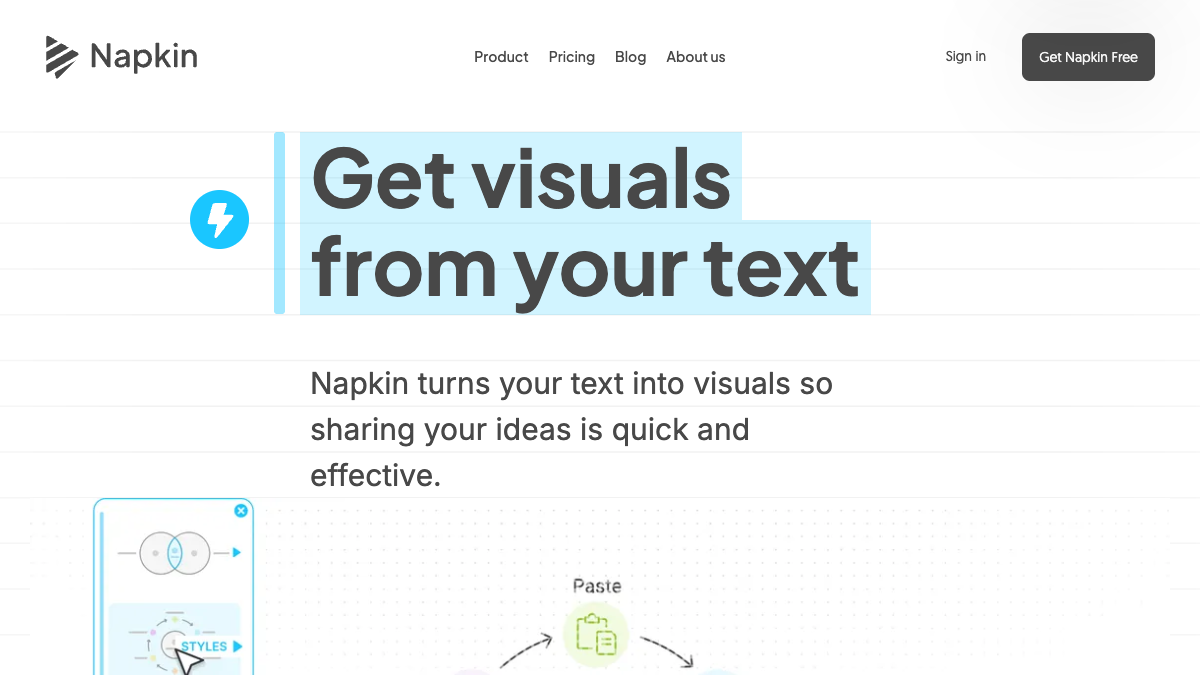
Napkin AI is a visual communication platform that helps you turn ideas into visuals and presentations. It is listed as an AI / Creation tool.
What is Napkin AI?
Napkin AI turns your text into AI-generated diagrams and visuals. It includes Napkin Visuals, which turns text into diagrams, flowcharts, mind maps, infographics, and data charts, and Napkin Slides (Beta), which turns ideas into presentation-ready decks. It also offers an API to automate visual generation at scale.
What makes Napkin AI stand out?
- Works directly from your text, so you don't need to write complex prompts.
- Generates relevant visuals based on your content, and you pick the one that best expresses your idea.
- Everything is editable: change colors, fonts, layouts, icons, reshape elements, or swap visuals.
- Export visuals as .ppt, .png, .pdf, or .svg.
- Supports 60+ languages for creating visuals and presentations.
- Offers a free plan with weekly AI credits, unlimited editing, unlimited file imports (PPT, DOC, PDF, HTML, MD), and unlimited PNG and PDF exports.
Who is it for?
Napkin AI is used by professionals across roles such as project managers, professors, growth marketing leaders, school administrators, founders, executive administrators, teachers, and consultants. It is suited for anyone who needs to create visuals or presentations to communicate ideas.
What can you do with Napkin AI?
- Create visuals: infographics, diagrams, flowcharts, mind maps, data charts, and more.
- Create presentation-ready decks with Napkin Slides (Beta).
- Use visuals in presentations, blog posts, social media, docs, reports, teaching materials, and more.
- Export visuals as PPT, PDF, PNG, or SVG and use them in PowerPoint, Google Slides, Keynote, Notion, or other tools.
- Automate visual generation at scale via API.
- Collaborate with teams in a shared Teamspace, edit together in real time, and use commenting and highlighting.
How does Napkin AI work?
- Start by importing or pasting your text.
- Click to generate visuals. Napkin generates the most relevant visuals based on your text, then you pick the one that best expresses what you have in mind.
- Polish it up: change anything, pick your colors, and make it your own.
- Take it anywhere: export as .ppt, .png, .pdf, or .svg.
Pricing
Napkin offers a free plan with weekly AI credits to generate visuals and presentations, unlimited editing, unlimited file imports (PPT, DOC, PDF, HTML, MD), and unlimited PNG and PDF exports. Paid plans (Plus and Pro) unlock more AI credits and features like PPT and SVG export, custom branding, and additional design options. See the pricing page for full plan details.
Alternatives
No alternatives are listed in the source.
FAQ
What is Napkin AI?
Napkin AI is a visual communication platform that helps you turn ideas into visuals and presentations. Napkin Visuals turns your text into diagrams, flowcharts, mind maps, infographics, and data charts.
Is Napkin AI free to use?
Yes. Napkin offers a free plan with weekly AI credits to generate visuals and presentations, unlimited editing, unlimited file imports (PPT, DOC, PDF, HTML, MD), and unlimited PNG and PDF exports. Paid plans (Plus and Pro) unlock more AI credits and features like PPT and SVG export, custom branding, and additional design options.
How does Napkin Visuals turn text into visuals?
Napkin Visuals analyzes your text and generates relevant visuals based on your content. You don't need to write complex prompts. Simply write, paste, or import your text, then click the Autospark icon to generate your visuals. From there, choose the visual that best fits your message.