Introduction
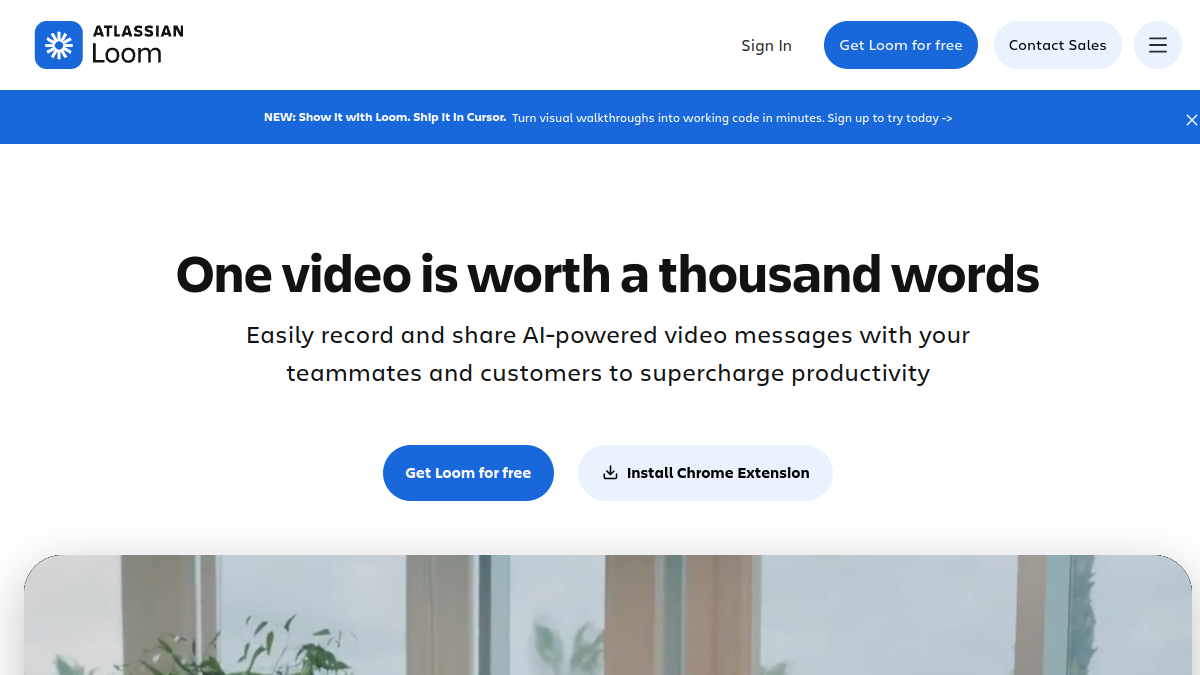
Loom is a screen recording and video messaging tool that lets you capture your screen, camera, or both, and share the resulting video with a link. It is designed for asynchronous communication, helping teams and individuals explain ideas, give feedback, and collaborate without scheduling meetings. Loom is available as a Chrome extension, desktop app for Mac and Windows, and mobile app for iOS and Android. It offers both free and paid plans.
What is Loom?
Loom is a platform for creating and sharing video messages. You can record your screen, camera, or both, and then share the video instantly via a link. The tool includes basic editing features like trimming and stitching clips, and allows viewers to engage with comments, emojis, and tasks. Loom is used by millions of people across 400,000 companies for use cases such as sales outreach, engineering updates, customer support, and design feedback.
What makes Loom stand out?
- Lightning-fast recording: Start recording in a few clicks using the Chrome extension, desktop app, or mobile app.
- AI-powered video messages: Easily record and share AI-powered video messages to supercharge productivity.
- Editing tools: Trim, stitch clips, add backgrounds, text, arrows, and box overlays to create polished videos.
- Engagement features: Viewers can add emojis, comments, tasks, and CTAs to video messages.
- Transcriptions and captions: Automatic transcripts and closed captions in 50+ languages.
- Security: Enterprise-grade security with SSO, SCIM, custom data retention policies, and privacy settings.
- Integration: Seamlessly integrates with hundreds of tools, including Google Workspace and Slack.
- New Mac app: Rebuilt to be lighter, faster, and smoother, with 4K HD video capture, custom recording areas, and customizable camera bubble shapes, filters, and backgrounds.
Who is it for?
- Sales teams: Personalize pitches with video outreach to close more deals.
- Engineering teams: Add visual context to code to accelerate sprints.
- Customer support: Troubleshoot over video to reach resolutions faster.
- Design teams: Share ideas and provide feedback over video to enhance designs.
- Remote and distributed teams: Communicate better across timezones using async video.
- Executives and managers: Amplify communication and reduce meetings.
What can you do with Loom?
- Record your screen and camera on any device.
- Share videos via a link or embed them anywhere.
- Edit videos by trimming, stitching clips, and adding backgrounds, text, arrows, and box overlays.
- Collaborate with emojis, comments, tasks, and CTAs.
- Use transcripts and captions in 50+ languages.
- Control video privacy with custom settings.
- Download and upload videos.
- Access video and viewer insights.
- Use Loom AI to turn videos into written docs, draft SOPs, file Jira tickets, and more.
How does Loom work?
Loom works by capturing your screen and/or camera through its Chrome extension, desktop app, or mobile app. Once recorded, the video is automatically uploaded to Loom's cloud, where you can edit it and share it via a link. Viewers can watch the video in their browser and interact using comments, emojis, and tasks. Loom also provides transcripts and captions, and integrates with many other tools for seamless sharing.
Pricing
Loom offers both free and paid plans. The free plan allows you to get started with basic recording and sharing. Paid plans likely offer additional features such as longer videos, more editing options, and advanced security. For specific pricing details, visit the Loom website.
Alternatives
Alternatives to Loom include other screen recording and video messaging tools such as Vidyard, CloudApp, and Zight (formerly CloudApp). Each has its own set of features and pricing.