Introduction
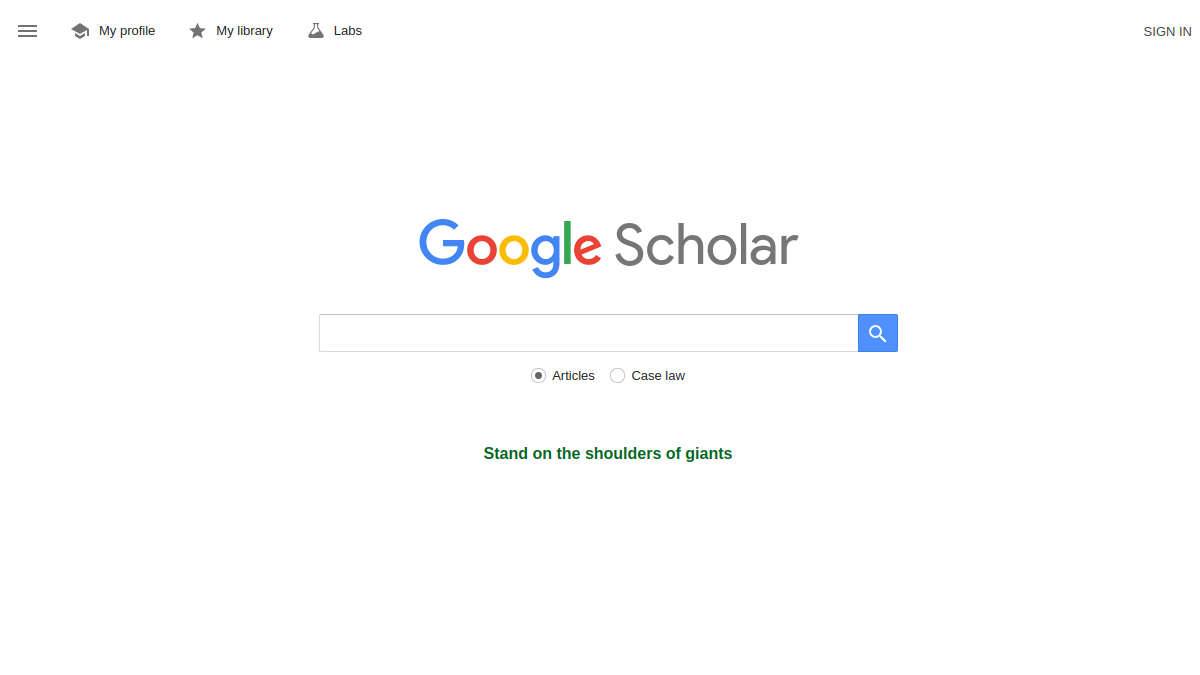
Google Scholar is a freely accessible web search engine that indexes scholarly literature across many disciplines and sources. It provides a simple way to broadly search for academic materials, including articles, theses, books, abstracts, and court opinions.
What is Google Scholar?
Google Scholar is a specialized search engine designed to help users find scholarly information. It indexes content from a wide variety of academic sources, such as peer-reviewed journals, conference papers, dissertations, preprints, technical reports, and patents. The service also includes court opinions from federal and state courts in the United States. Users can search by keywords, author names, publication titles, and date ranges. Google Scholar offers features like saving articles to a personal library, setting up alerts for new results, and viewing citation metrics for authors and publications.
What makes Google Scholar stand out?
- Broad coverage: indexes articles, theses, books, abstracts, and court opinions from many disciplines and sources.
- Advanced search options: allows searching with all words, exact phrases, at least one word, without words, and specifying where words occur (anywhere or in title).
- Author and publication search: supports searching for articles by specific authors or published in particular journals.
- Date range filtering: enables limiting results to articles published between specified years.
- Personal library: lets users save articles to My library for later access.
- Alerts and metrics: provides alerts for new results and metrics for authors and publications.
- Multilingual interface: available in many languages, including English, Spanish, French, German, Chinese, Japanese, and more.
- Court opinion search: includes the ability to search legal opinions from federal and California courts, with options to select other courts.
Who is it for?
- Researchers and academics seeking scholarly literature across disciplines.
- Students looking for articles, theses, and books for study or assignments.
- Librarians and information professionals assisting with literature searches.
- Legal professionals and scholars searching court opinions.
- Authors and institutions tracking citations and metrics.
- Anyone interested in exploring academic research without cost.
What can you do with Google Scholar?
- Search for scholarly literature using keywords, phrases, authors, or publication names.
- Use advanced search to refine queries with specific word inclusion/exclusion and field targeting.
- Save articles to My library for organized access.
- Set up alerts to receive notifications about new relevant results.
- View citation metrics for authors and publications.
- Search and browse court opinions from selected courts.
- Access the service in multiple languages.
- Sign in to personalize settings and access profile features.
How does Google Scholar work?
Google Scholar indexes scholarly content from a wide range of sources, including academic publishers, repositories, and court websites. When you perform a search, it retrieves and ranks results based on relevance to your query, considering factors such as the full text of articles, author, publication, and citation counts. The advanced search form allows you to specify multiple criteria to narrow down results. You can also save articles to your library, set up alerts, and view metrics. The service is accessible via a web browser, and while it works best in modern browsers like Google Chrome or Mozilla Firefox, some features may not function in older versions of Internet Explorer.
Pricing
Google Scholar is free to use. There are no subscription fees or paywalls for accessing the search engine and its basic features.
Alternatives
No alternatives are listed in the provided source text.