Why it is useful
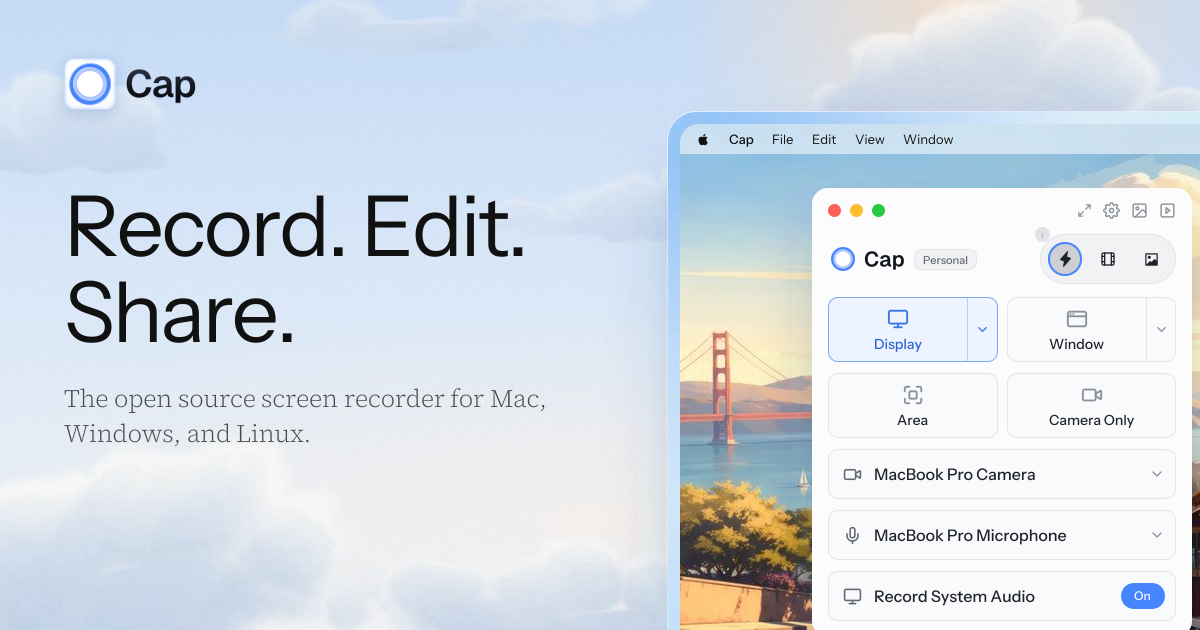
Screen recorder with instant sharing and a local editing workflow for product demos, tutorials, and asynchronous updates.
Highlights
- Record a screen, window, or selected area with camera and audio.
- Share an Instant Mode recording through a browser-viewable link.
- Polish local Studio Mode recordings with backgrounds, zoom, and cursor effects before exporting.
Best for
Indie makers recording launch demos, customer walkthroughs, and short team updates.
Things to know
Personal use is free, but commercial desktop use requires a license. Cloud sharing limits and team features depend on the plan; check the current pricing before using it for business.
Sources
Reviewed on November 6, 2026. Community discovery: Product Hunt. Product facts checked against the official website and pricing information.