Introduction
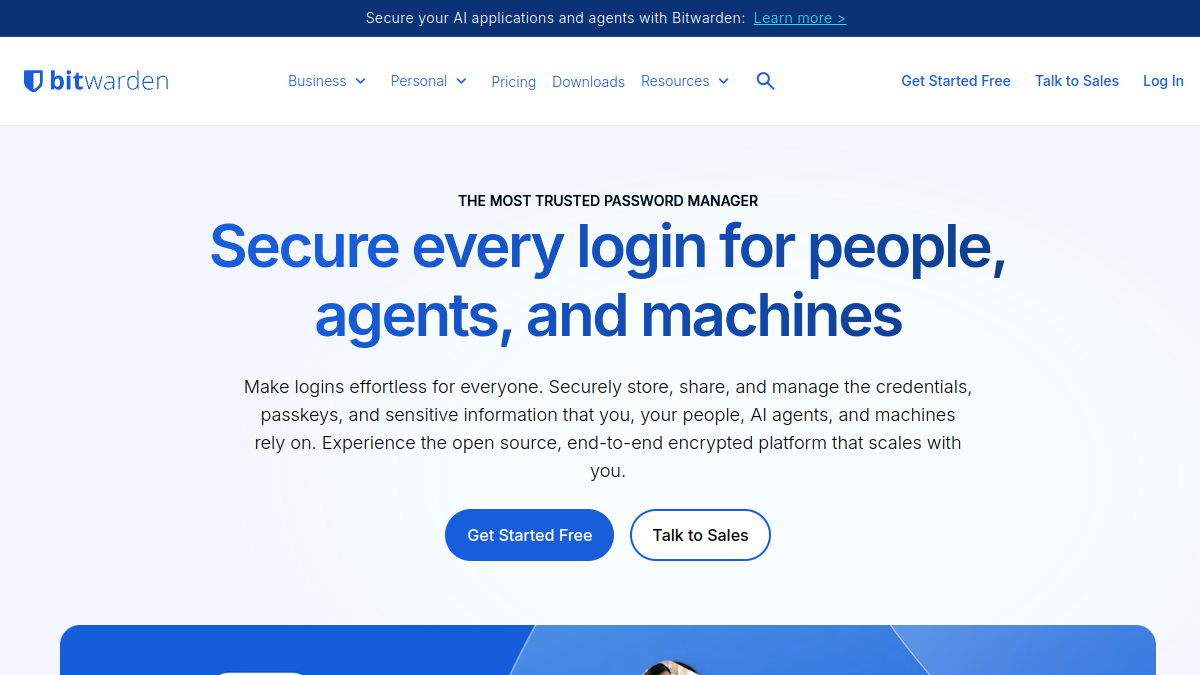
Bitwarden is an open source password manager designed for individuals, teams, and enterprises. It provides a secure way to store, share, and manage passwords, passkeys, and other sensitive information. With cross-platform apps and a focus on security and privacy, Bitwarden aims to simplify credential management for users at any scale.
What is Bitwarden?
Bitwarden is a password management solution that helps users securely store and autofill logins, generate strong credentials, and share sensitive data. It offers end-to-end encryption and is available as a free service with optional paid plans for advanced features. The platform supports personal use as well as business and enterprise environments, with features like centralized ownership, access controls, and self-hosting options.
What makes Bitwarden stand out?
- Open source: The codebase is publicly available for inspection, and security claims are independently verified.
- Cross-platform availability: Apps work across Windows, Mac, Linux, Chrome OS, Android, iPhone, and iPad.
- Flexible deployment: Options include cloud, on-premises, and private cloud self-hosting.
- Comprehensive credential lifecycle management: Supports creation, usage, rotation, retirement, and succession of credentials.
- Strong community and trust: Used by millions of customers and backed by a large open source community.
Who is it for?
- Individuals seeking a free or premium password manager.
- Families needing a shared vault for up to six users.
- Teams and growing businesses requiring centralized password management.
- Enterprises with advanced security and compliance needs.
- Developers and DevOps teams managing secrets.
What can you do with Bitwarden?
- Store and autofill passwords and passkeys across devices.
- Generate strong, unique passwords and usernames.
- Share credentials securely with friends, family, or team members.
- Manage access with granular permissions and policies.
- Use integrated authenticator for two-factor codes.
- Attach files and use emergency access features.
- Access security reports and audit logs.
- Integrate with SSO and directory services.
- Self-host for greater control over data.
How does Bitwarden work?
Bitwarden uses end-to-end encryption to protect vault data. Users can access their vault through various client applications, including desktop, mobile, browser extensions, and web. The service offers autofill capabilities, password generation, and secure sharing. For businesses, it provides administrative controls, event logging, and integration with existing identity providers. Self-hosting allows organizations to run Bitwarden on their own infrastructure.
Pricing
Bitwarden offers a free plan with basic password management. Paid plans include:
- Premium: $1.65 per month, billed annually at $19.80. Includes integrated authenticator, file attachments, emergency access, and security reports.
- Families: $3.99 per month for up to 6 users, billed annually at $47.88. Includes 6 premium accounts, unlimited sharing, and organization storage.
- Teams: $4 per month per user, billed annually. Includes centralized ownership, secure sharing, event logs, directory sync, and SCIM provisioning.
- Enterprise: $6 per month per user, billed annually. Includes all Teams features plus granular access control, passwordless SSO, enterprise policies, self-hosting, and Access Intelligence.
Prices are in USD and exclude taxes.
Alternatives
Other password managers are available, but Bitwarden distinguishes itself through its open source nature, cross-platform support, and flexible deployment options. Users seeking alternatives may consider other solutions, but Bitwarden's combination of features and transparency is unique.